



Business Online, Online Presence, Website Design
What Do I Need to Start a Website in 2026? | Small Business Guide
07
Jul
Jul
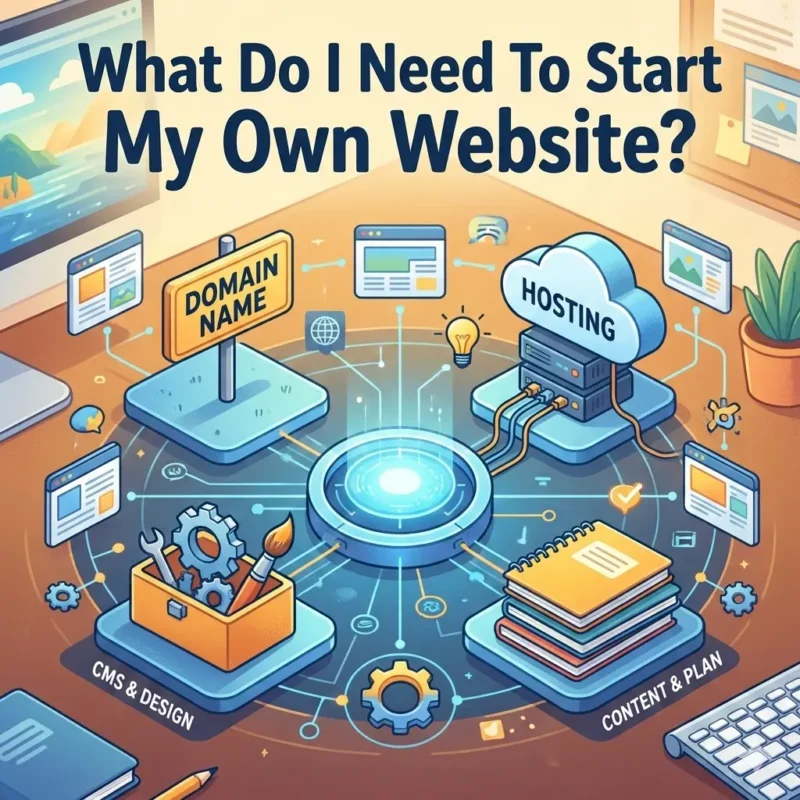
What Do I Need to Start My Own Website in 2026?
A Clear, Beginner-Friendly Guide for Small Businesses & Freelancers
Last updated for 2026: This guide reflects current website costs, AI website builders, SEO expectations, and small business best practices for 2026.
Short answer:
To start your own website in 2026, you need a clear goal, a simple site structure, basic content, reliable hosting, and either a DIY platform or a professional web designer—depending on your time, budget, and growth plans.
If that sounds like a lot, don’t worry. This guide breaks everything down step by step—without technical jargon.
Small business owners and freelancers ask this question every day:
“What do I need to start my own website?”
Not how to code.
Not how to rank #1 on Google.
Just: Where do I begin?
In 2026, building a website is easier than ever—but choosing the right approach is harder than it looks. AI builders, templates, and custom services all promise fast results. What they don’t always explain is what actually works long term.
Let’s fix that.
What You Actually Need to Start a Website (2026 Checklist)
To start a website in 2026, you need:
- A clear purpose
- A domain name and hosting
- A simple page structure
- Clear, customer-focused content
- A platform (DIY, AI builder, or custom site)
- Basic SEO foundations
Let’s look at each one.
1. A Clear Purpose (Before You Design Anything)
Every successful website answers one question immediately:
“What should the visitor do next?”
Common goals include:
- Requesting a quote
- Booking a consultation
- Calling or emailing you
- Learning about your services
If you skip this step, even a beautiful site won’t convert.
👉 This is something we walk through with every client at LaunchPad Web Designs.
2. A Simple Website Structure
You don’t need dozens of pages. Most small business websites perform best with:
- Home
- About
- Services
- Contact
- Optional: Blog or Portfolio
You can see examples of clean, conversion-focused layouts in our Portfolio.
3. Content That’s Clear (Not Clever)
In 2026, both search engines and AI tools favor content that is:
- Easy to scan
- Written in plain language
- Directly answers user questions
Your website copy should clearly explain:
- Who you help
- What you offer
- Why you’re different
- How to get started
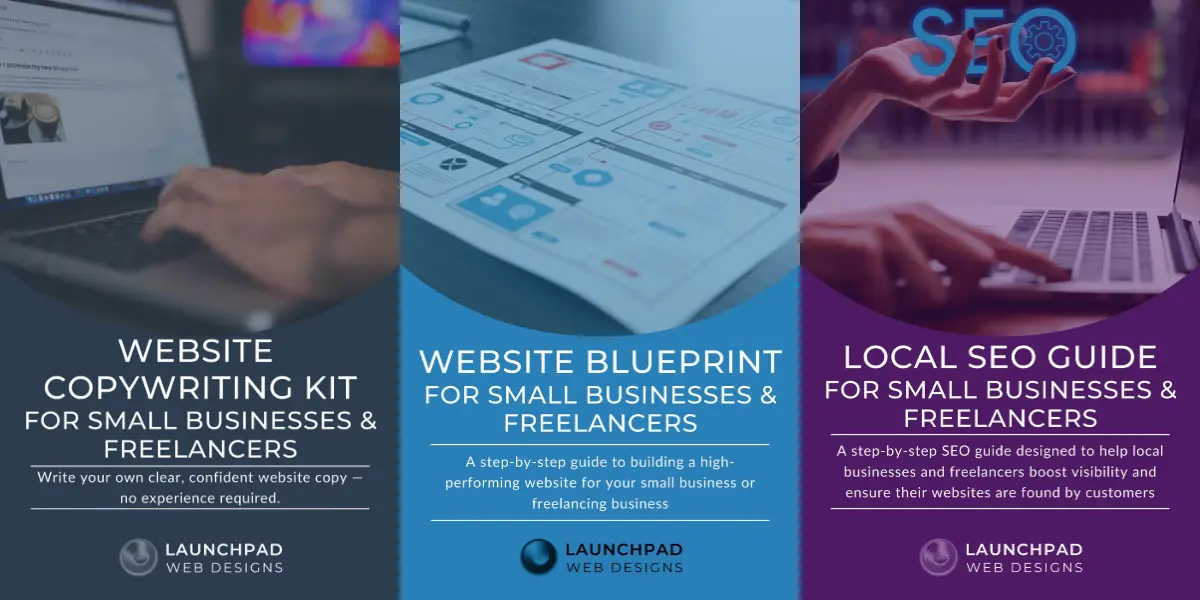
If writing is your biggest roadblock, the Website Copywriting Kit is designed specifically for beginners.
AI Website Builders vs Custom Websites (What Actually Works in 2026)
Featured Snippet Comparison:
AI Website Builders
- Fast setup
- Low upfront cost
- Limited customization
- Weak SEO control
- Generic layouts
Custom Websites
- Built for performance
- SEO & AEO ready
- Fully customizable
- Designed to scale
- Stronger trust signals
When AI Builders Make Sense
AI builders can work if:
- You’re testing a short-term idea
- You need a temporary online presence
- SEO is not a priority
- Your site doesn’t support your main income
They are not ideal for businesses relying on organic traffic or local visibility.
When Custom Websites Are the Better Investment
A professionally built site is best when:
- Your website supports your income
- You want to rank in Google and AI search results
- You want flexibility as your business grows
Our Freelancer Website Design Package is built for exactly this stage.
DIY vs Hiring a Professional Web Designer
Featured Snippet Answer:
DIY websites save money upfront but cost time. Hiring a professional costs more initially but saves time, avoids mistakes, and supports long-term growth.
DIY Is a Good Option If:
- You have time to learn
- Your budget is very limited
- You’re comfortable troubleshooting issues
Many DIY users eventually need:
- SEO fixes
- Speed optimization
- Security cleanup
That’s why we offer Other Website Services for growing sites.
Hiring a Pro Makes Sense If:
- Your site needs to convert visitors
- You want SEO done right from day one
- You don’t want to rebuild later
Explore all of our available Services.
How Much Does a Website Cost in 2026?
Featured Snippet Cost Breakdown:
DIY Website Costs
- Domain: $15–20/year
- Hosting: $100–300/year
- Themes & plugins: $100–400
- Time investment: high
Professional Website Costs
- Starter sites: $800–1,500
- Strategic small business sites: $1,500–3,000+
See our pricing for more information.
SEO, AEO & Maintenance: What Many Sites Miss
A website is not “set it and forget it.”
In 2026, websites need:
- Ongoing updates
- Security monitoring
- SEO adjustments
- Performance checks
That’s where WordPress Maintenance Plans come in.
And yes—monthly Maintenance Reports matter.
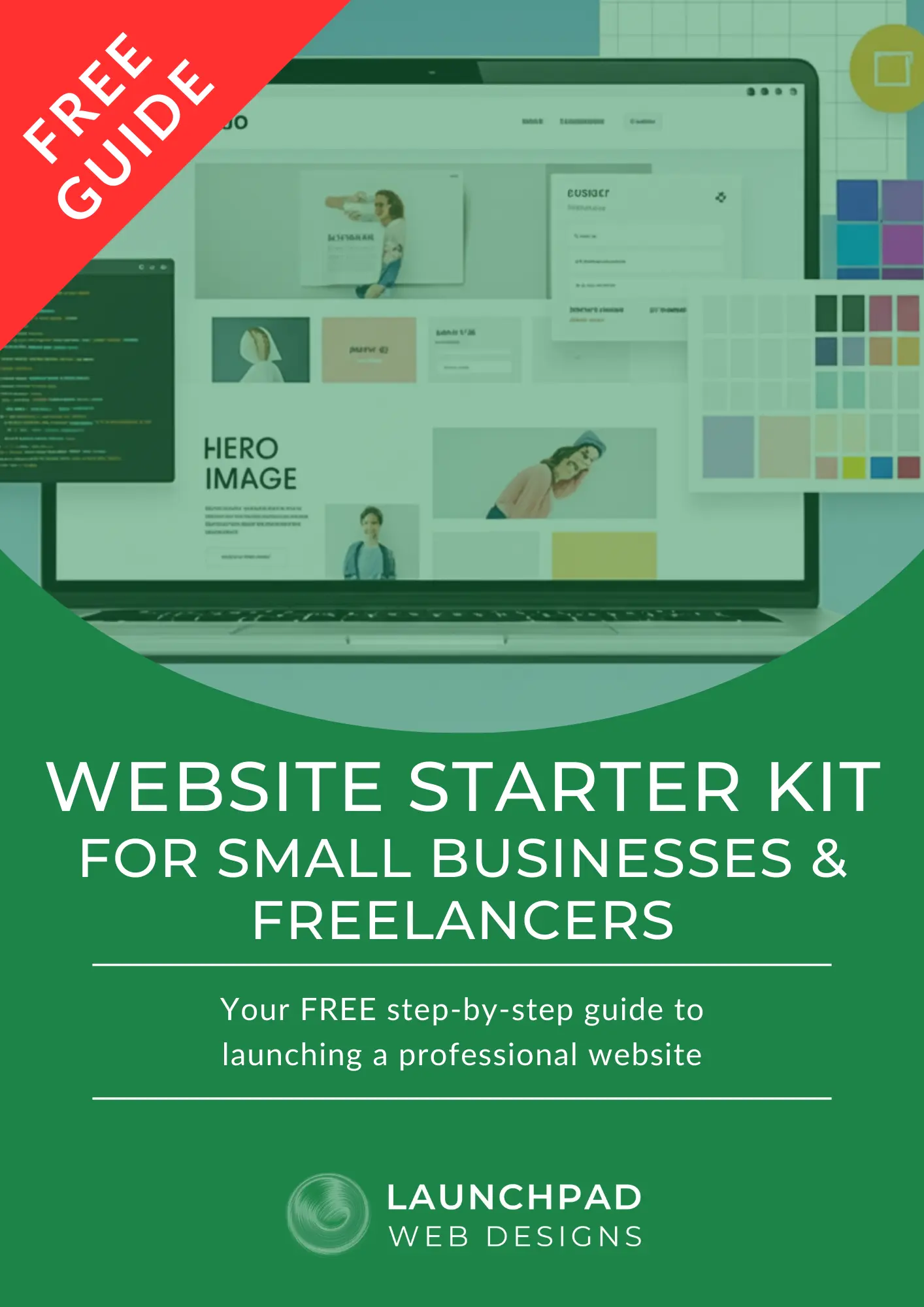
The Free Website Starter Kit (Your Best First Step)
If you’re feeling overwhelmed, start here.
👉 Free Website Starter Kit for Small Businesses
It includes:
- A website planning checklist
- Must-have features explained simply
- Content planning guidance
Before hiring a designer—or choosing a platform—this kit saves time, money, and frustration.
Frequently Asked Questions
What do I need before building a website?
You need a clear goal, basic content ideas, and an understanding of whether you’re DIYing or hiring a professional.
Is WordPress still worth it in 2026?
Yes. WordPress remains one of the most flexible, SEO-friendly platforms when properly built and maintained.
Can AI websites rank on Google?
Sometimes—but most struggle with technical SEO, site structure, and originality.
How long does it take to build a website?
DIY: weeks or months
Professional: 2–6 weeks depending on scope
Do I need SEO right away?
Yes. SEO foundations should be built from day one. A WordPress SEO Audit helps identify gaps.
What if I want everything done for me?
That’s exactly what LaunchPad offers—from strategy to launch to ongoing support.
Start here with our Free Estimate.
Ready to Start the Right Way?
You don’t need everything figured out today—but you do need a plan.
👉 Visit LaunchPad Web Designs
👉 Download the Free Website Starter Kit
👉 Or Contact us directly.
Your website should feel empowering—not overwhelming.
With the right foundation, it becomes one of your strongest business tools.
This article is reviewed and updated regularly to reflect current website trends, pricing, and best practices for small businesses.
