


Online Presence
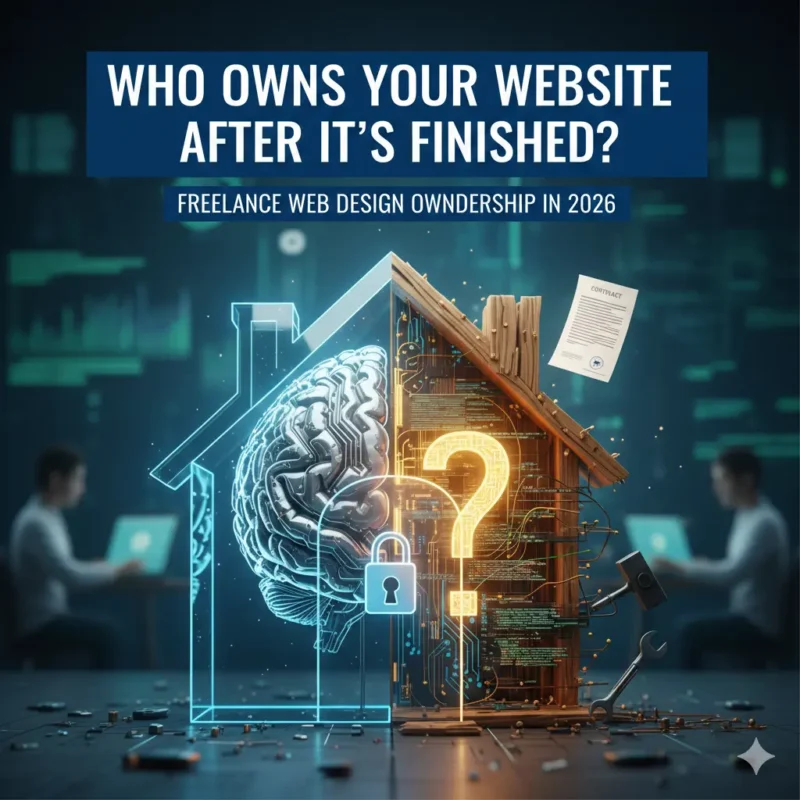
Who Owns Your Website After It’s Finished? Freelance Web Design Ownership in 2026
25
Jan
Jan
Who Owns Your Website After It’s Finished? Freelance Web Design Ownership in 2026
When working with a freelance web designer, one critical question often gets overlooked:
“After my website is finished, who actually owns it?”
Ownership isn’t just about bragging rights — it affects your ability to make changes, host elsewhere, sell your business, or even maintain your site long-term.
This guide explains website ownership in plain English for 2026, so you can protect your business and make confident decisions when hiring a freelance designer.
By the end, you’ll know:
-
What website ownership really means
-
Who typically owns the design, code, and content
-
How to make sure you retain full control
-
Tips for contracts and legal protection
Plus, we’ll link back to our pillar post for the full guide: How to Hire a Freelance Web Designer: Costs, Process & What to Expect in 2026.
Quick Overview: Who Owns Your Website?
-
Content (text, images, branding assets): Usually belongs to you, the client.
-
Design and code: Can vary; check your contract.
-
CMS / hosting accounts: Always ensure you have admin access.
-
Third-party integrations or plugins: License terms may affect ownership.
💡 Pro Tip: Always clarify ownership in writing before the project starts.
What Ownership Actually Means
-
Files and Code – Do you receive all website files, themes, and code after completion?
-
Domain & Hosting – Make sure the domain is registered in your name and hosting account access is yours.
-
Content Rights – All text, images, and videos should be yours or properly licensed.
-
Ability to Transfer or Sell – Ownership ensures you can move the website to another host or sell your business without restrictions.
Common Scenarios
Full Client Ownership
-
The freelancer delivers all files, admin access, and content.
-
You control the website entirely.
Limited Ownership
-
Freelancer retains code rights or uses proprietary tools.
-
You may need their permission for major changes or moving hosting.
Third-Party Platform Limitations
-
Websites built on certain platforms (Wix, Squarespace) may limit your access or portability.
-
Always ask about platform ownership before starting.
How to Protect Your Ownership
-
Include ownership terms in your contract
-
Get all files, access, and credentials in writing
-
Confirm licensing for images, fonts, and plugins
-
Keep backups of everything
-
Understand platform limitations before agreeing
✔ Clear ownership protects your business and ensures you’re not locked in to one designer or platform.
FAQ Section: Website Ownership
Who usually owns the website after it’s built?
Content like text, images, and branding usually belongs to the client. Code, design, and platform rights vary — check your contract.
What should I get from my freelancer to ensure ownership?
All files, admin access, content rights, credentials, and any licenses for images, fonts, or plugins.
Can a freelancer retain ownership of the code?
Yes, some freelancers may retain code or theme rights if using proprietary tools. Always clarify in writing.
Does using a platform like Wix or Squarespace affect ownership?
Yes. Platform limitations can restrict access or portability. Confirm what rights you have before starting.
How do I protect my website ownership?
Include ownership terms in the contract, get all files and credentials, confirm licenses, and keep backups.
Can I move my website to another host?
Only if you have full ownership of files, code, and admin access. Limited ownership may prevent easy migration.
For a full guide on hiring a freelance web designer — including costs, timelines, pricing, and red flags — visit:
How to Hire a Freelance Web Designer: Costs, Process & What to Expect in 2026
