








SEO, Website Design
Free WordPress SEO Audit: See What’s Holding Your Rankings Back in 60 Seconds
06
Nov
Nov
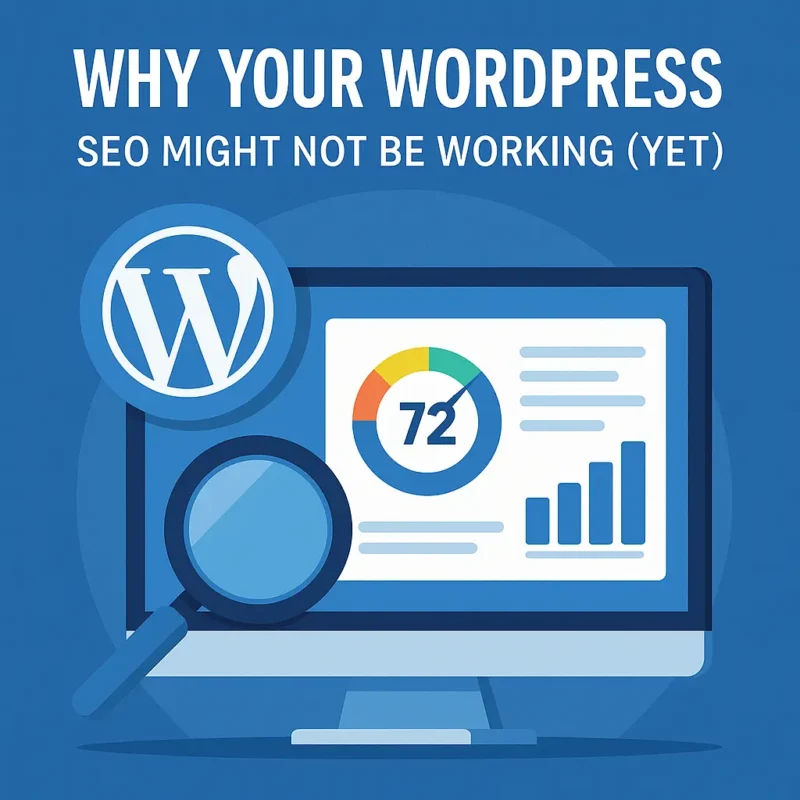
Why Your WordPress SEO Might Not Be Working (Yet)
You’ve built your WordPress website. You’ve got your services, your portfolio, and your contact form ready to go. But… Google isn’t showing you any love. You’re on page two, or maybe worse—buried under competitors who don’t even look as professional as you do.
If that sounds familiar, you’re not alone.
Thousands of small business owners and freelancers face the same problem: a great-looking site that simply won’t rank.
The reason?
Usually, it’s not one big issue—it’s a bunch of small, hidden WordPress SEO problems working together behind the scenes. The kind of stuff you can’t see just by looking at your website.
Things like:
-
-
A few missing meta tags
-
A plugin conflict breaking your sitemap
-
Oversized images that slow down your pages
-
Headings that make no sense to search engines
-
A weak internal linking structure
-
And the frustrating part? Most online “SEO checkers” don’t dig deep enough into WordPress-specific issues. They give you a generic score that doesn’t help you actually fix anything.
That’s why we built the LaunchPad Free WordPress SEO Audit Tool — a tool made by WordPress experts for WordPress users.
What Makes This Audit Different
Our audit isn’t another copy-paste WordPress SEO scanner. It’s a tool created after 12+ years of designing and optimizing WordPress websites for small businesses and freelancers.
Here’s what sets it apart:
Built Specifically for WordPress
Most free SEO tools treat every website the same. But WordPress is unique. It runs on themes, plugins, and custom configurations that can either boost or break your SEO performance.
No Jargon, No Overwhelm
Your report won’t be a confusing list of technical warnings. Instead, it’s a plain-English explanation of what’s wrong, why it matters.
Think of it like having a translator between Google’s algorithms and your business goals.
Expert Support (If You Want It)
If your report uncovers issues you don’t have time or confidence to fix, our team can take care of them for you. Whether it’s technical clean-up, content improvements, or WordPress SEO setup, we’ll handle it so you can focus on running your business.
What the Audit Checks (and Why It Matters)
Our audit scans your website across four key areas that directly affect your visibility and user experience.
1. Technical SEO
Your website might look great to humans—but how does it look to Google’s crawlers?
The audit checks for things like:
-
-
Missing or broken XML sitemaps
-
HTTPS or mixed content errors
-
Indexing or canonical problems
-
Duplicate content
-
WordPress configuration issues
-
These are the behind-the-scenes elements that tell search engines how to read your site. If something’s wrong here, even perfect content won’t help you rank.
2. Site Speed & Core Web Vitals
You already know people hate waiting. Search engines do too.
The audit looks at how fast your site loads, both on desktop and mobile.
It checks for:
-
-
Slow server response times
-
Oversized images
-
Caching and compression issues
-
Poor mobile performance
-
Failing Core Web Vitals (like Largest Contentful Paint or CLS)
-
If your site takes more than a few seconds to load, users bounce—and rankings drop.
We’ll show you what’s slowing things down.
3. On-Page SEO
Even if your site runs perfectly, you still need the right content signals. Our tool checks:
-
-
Missing or duplicated title tags
-
Poor meta descriptions
-
Weak heading structure
-
Keyword gaps
-
Thin or duplicate content
-
Missing alt text on images
-
We even prioritize which fixes will have the biggest impact on your rankings—so you can spend time on what matters most.
4. Site Structure & Navigation
If visitors (or Google’s crawlers) can’t find your pages easily, your SEO suffers. The audit identifies:
-
-
Broken links
-
Orphaned pages
-
Poor navigation hierarchy
-
Weak internal linking
-
Crawlability issues
-
You’ll know exactly which pages need better linking or cleanup so your entire site flows smoothly—for both users and search engines.
How the Free Audit Works (Step by Step)
One of the best parts about this audit? It’s fast, free, and doesn’t require any setup.
Step 1: Enter Your Details
All you need is your name, email, and website URL. That’s it.
No credit card. No installation. Just a few clicks.
Step 2: Let the Tool Work Its Magic
In about 60 seconds, our system scans your WordPress site for the most critical WordPress SEO factors—speed, structure, technical SEO, and content.
Step 3: Get Your Report Instantly
You’ll see your WordPress SEO Health Score (0–100) and a prioritized list of issues with simple explanations of what each one means.
Step 4: Take Action
You can fix simple issues yourself using our guides, or reach out to us if you want expert help implementing the recommendations.
The best part? It’s all read-only, meaning nothing on your site is changed or accessed directly.
It’s completely safe—and 100% in your control.
What You’ll Get in Your Report
Here’s what your free WordPress SEO audit includes:
-
-
✓ A clear overall SEO Health Score out of 100
-
✓ A priority list of issues from critical to minor
-
✓ Plain-English explanations (no tech speak)
-
✓ Visual graphs that show your SEO strengths and weaknesses
-
✓ The ability to track improvements with each re-audit
-
You’ll finish the report knowing exactly what’s holding you back—and what to do about it.
Quick Wins You Can Tackle Right Away
Some of the most common issues our tool finds are things you can fix yourself—today.
-
-
Optimize your images (resize and compress them)
-
Update title tags and meta descriptions with clear keywords
-
Clean up your plugins—deactivate or delete what you don’t use
-
Fix broken links or redirect outdated pages
-
Improve your heading structure (use only one H1 per page)
-
Add internal links between related blog posts and service pages
-
These small tweaks can create an immediate improvement in performance and rankings.
Why This Audit Is a Game-Changer for Small Businesses and Freelancers
If you’re running a small business or freelancing solo, you don’t have time to decode Google’s algorithms. You just want results.
This free audit gives you what every business owner wants: clarity and control.
You’ll know exactly where your site stands—and you can finally stop guessing why you’re not ranking.
It’s also a great tool to measure progress. After you fix issues, rerun the audit every few months to see your score improve.
That’s how you turn WordPress SEO into a system, not a mystery.
When to Call in a Pro (and How We Can Help)
Some website problems go beyond DIY fixes. Maybe your theme is outdated, or your site structure is too complicated. Maybe you’re too busy to tackle WordPress SEO on your own.
If that’s the case, our team can help.
At LaunchPad Web Designs, we’ve spent over a decade building and optimizing WordPress websites for small businesses and freelancers around the world. We can:
-
-
Rebuild slow or outdated sites
-
Fix every issue found in your audit
-
Optimize your pages for on-page and technical SEO
-
Provide ongoing maintenance to keep things running smoothly
-
You can use the audit to identify problems, then decide how hands-on (or hands-off) you want to be with the solutions.
Ready to See What’s Holding Your Site Back?
Your competitors are already optimizing their sites—and every day you wait could mean lost clicks, lost leads, and lost revenue.
You can find out exactly what’s wrong with your site in the next 60 seconds.
No downloads. No credit card. No risk. Just clear answers.
👉 Run your free WordPress SEO Audit now and get your personalized report in under a minute.
Final Thoughts
WordPress SEO can feel like a black box—but it doesn’t have to.
With the LaunchPad Free WordPress SEO Audit, you’ll finally have clarity about what’s really happening with your site.
You’ll know your score, your strengths, and your next steps—all in about a minute.
So before you spend another dollar on ads or WordPress SEO services, take 60 seconds and run the audit.
You might be surprised by what you find—and how simple the next steps really are.
👉 Run Your Free WordPress SEO Audit Now and take the first step toward a faster, higher-ranking, more profitable website.
WordPress SEO Auditor Frequently Asked Questions
Is the WordPress SEO audit really free?
Yes! 100% free. No hidden charges, no upsells, no trial period. If you want professional help afterward, that’s your choice.
Will this SEO audit change anything on my site?
No. It’s completely read-only. It just scans your public pages and provides insights.
Does it work with any WordPress theme or builder?
Yes! It works with all major themes and page builders like Elementor, Divi, Bricks, Beaver Builder, Gutenberg, and more.
What if my WordPress site is brand new?
Perfect time! Running an audit early means you can fix SEO issues before they start affecting rankings.
How often should I audit my WordPress site?
Quarterly is ideal—or after any major design, plugin, or content change.
